

VRPlayer — 360° VR Source Player

Turn VR Sources into 360° Immersion
Video, image and HLS sources — one click to 360° sphere playback

Supports common formats like MP4, WebM, MKV, M3U8/HLS, JPG, PNG and WebP, along with browser-supported video and image files. Whether it is a local file, an online URL, or a video already playing on a webpage, VRPlayer quickly brings it into a 360° sphere view for drag-to-look-around playback.

Web / Extension
Video / Image / HLS → 360°
Completely Free
Use Cases

Watch VR, SBS, and 360 Videos Online

From SBS VR videos and standard 360 videos to M3U8/HLS streams and panorama images, VRPlayer renders everything onto a draggable 360° sphere in the browser.

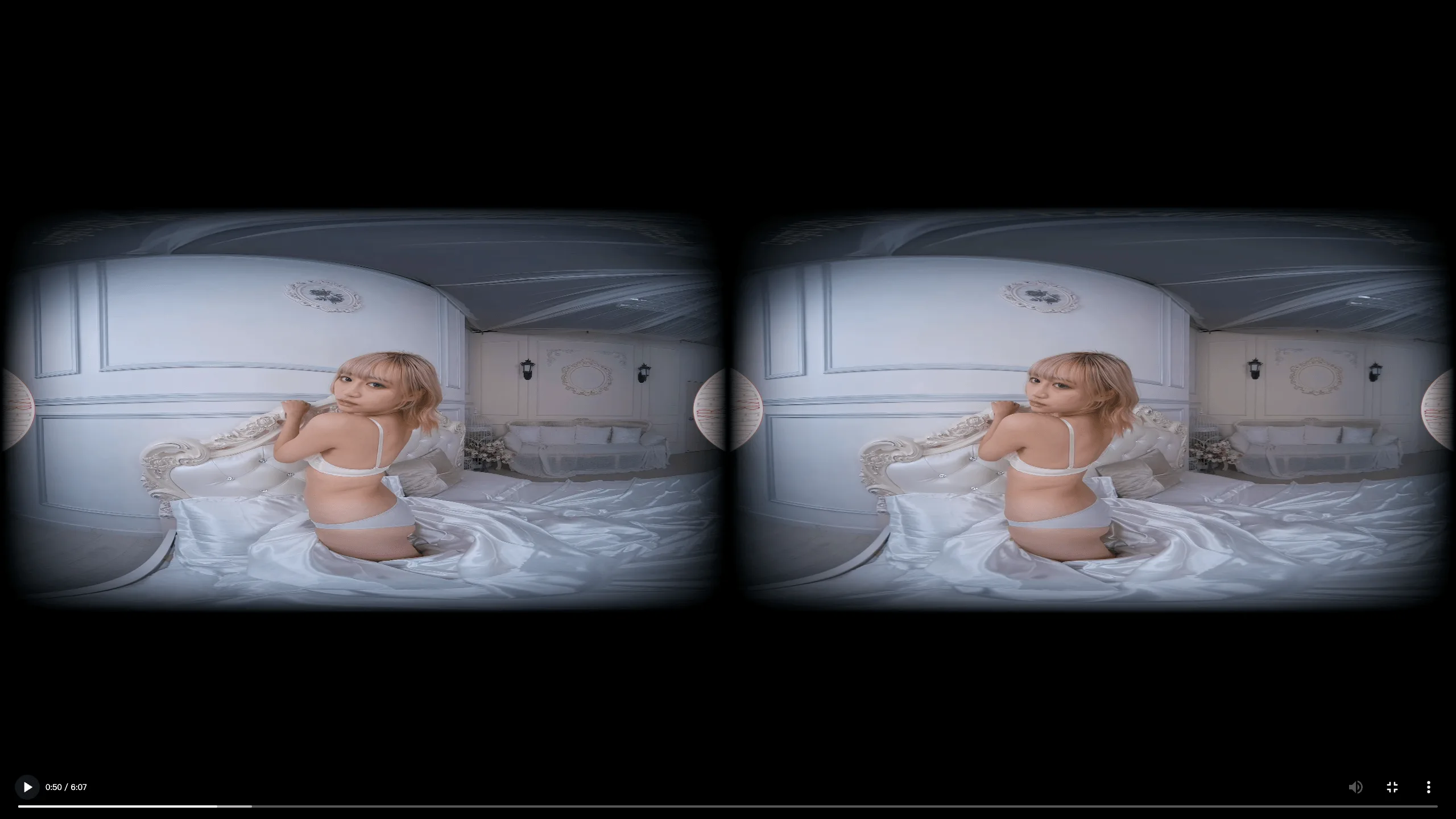
Original SBS Source
SBS source
Raw SBS (side-by-side) VR video source
VRPlayer 360° Playback
Rendered onto a 360° sphere — drag to look around
Notice: source footage from YouTube
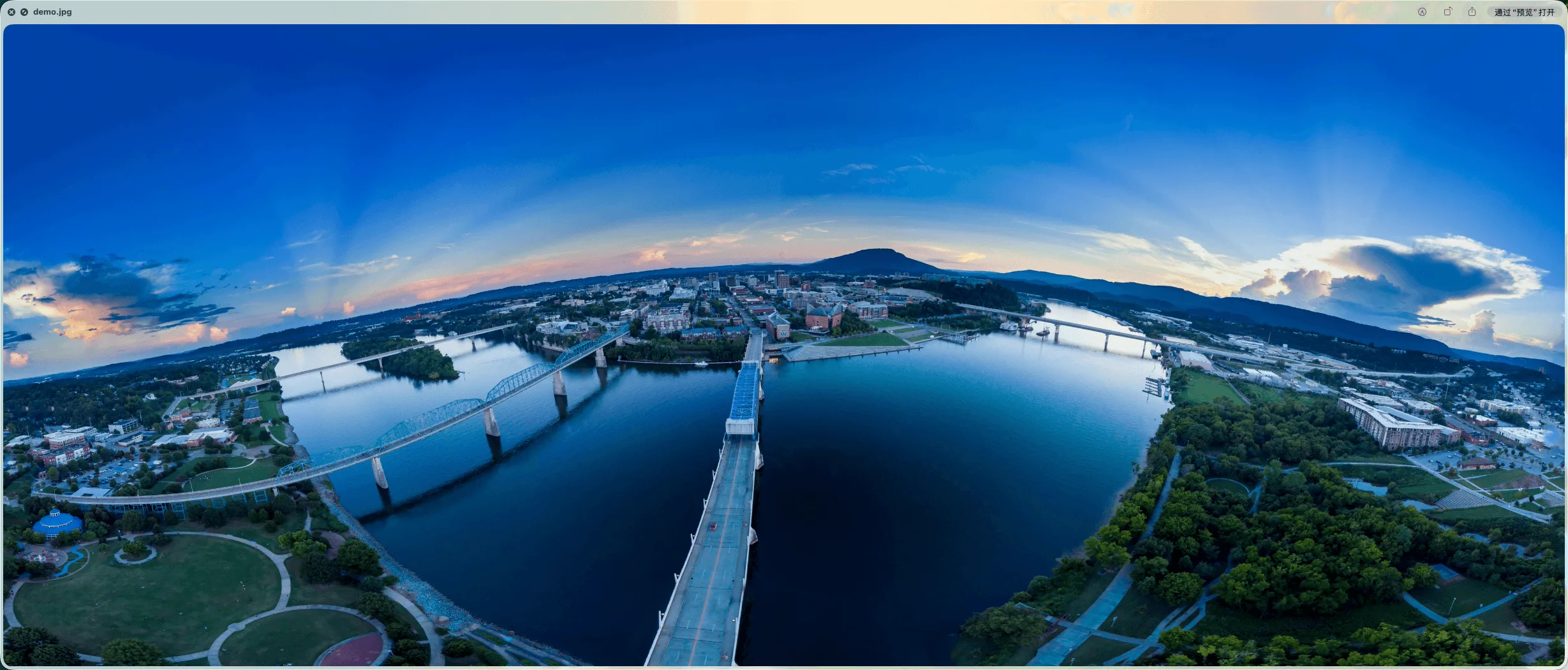
原始全景图片
Panoramic photo source
Original panoramic image
VRPlayer 360° Playback
Rendered onto a 360° sphere — drag to explore the image

Browser Extension Takeover

After installing the extension, click VRPlayer on any webpage video to take over the current playback and switch it into 360° sphere mode instantly.
Capabilities

Built Around 360° Sphere Playback

From VR source conversion to interactive controls, every feature serves one goal: immerse you in a 360° view.

🎬

Video / Image / Stream → 360° Sphere

Render common formats like MP4, WebM, MKV, M3U8/HLS, JPG, PNG and WebP onto a 360° sphere for immersive viewing.

🌐

Drag to Look Around

Freely look around in the 360° sphere with mouse drag or finger swipe. Intuitive and natural.

🧩

Browser Extension Takeover

The extension auto-detects videos currently playing on webpages and switches them to 360° sphere mode without leaving the page.

🖱️

Multi-format Support

Supports MP4, WebM, MKV, M3U8/HLS, JPG, PNG, WebP and other browser-supported video and image files in one player.

📱

Keyboard Shortcuts

Space for play/pause, arrows for seeking, F for fullscreen, M for mute. Fast control without a mouse.

⌨️

Web + Extension

Use the Web player for direct files and URLs, and the browser extension for videos already playing on webpages.

Browser Extension
Videos Playing in Your Browser → 360° Immersion
No downloads, no uploads — the extension auto-detects videos currently playing on any page. One click switches them to 360° sphere mode for immersive viewing on any website.
Auto-captures webpage videos
Zero config, works out of the box
Supports HLS, MP4, WebM and other common online video formats
Configurable minimum duration filter
Turn every webpage into a VR entry point.
Video sites, tutorial pages, stream replays — the extension switches videos currently playing into 360° sphere mode.
Install Free Extension
Buy me a coffee ☕
If this project helped you, a coffee keeps it going 🙏
SOL
2rHCnm1wzFyqdTArqKC5M7Rb1A4eXBN2hvn3YWuW48jZ
Click to copy
ETH
0xf18c05275bf2439f330e05dd739c6fd94dcd67b3
Click to copy
BNB
0xf18c05275bf2439f330e05dd739c6fd94dcd67b3
Click to copy
TRON
TJAW568aR3qcCd8gNP98tb5dMug4FtNyqb
Click to copy