

Video / Image / Stream → 360° Sphere
Render common formats like MP4, WebM, MKV, M3U8/HLS, JPG, PNG and WebP onto a 360° sphere for immersive viewing.
Supports common formats like MP4, WebM, MKV, M3U8/HLS, JPG, PNG and WebP, along with browser-supported video and image files. Whether it is a local file, an online URL, or a video already playing on a webpage, VRPlayer quickly brings it into a 360° sphere view for drag-to-look-around playback.
From SBS VR videos and standard 360 videos to M3U8/HLS streams and panorama images, VRPlayer renders everything onto a draggable 360° sphere in the browser.
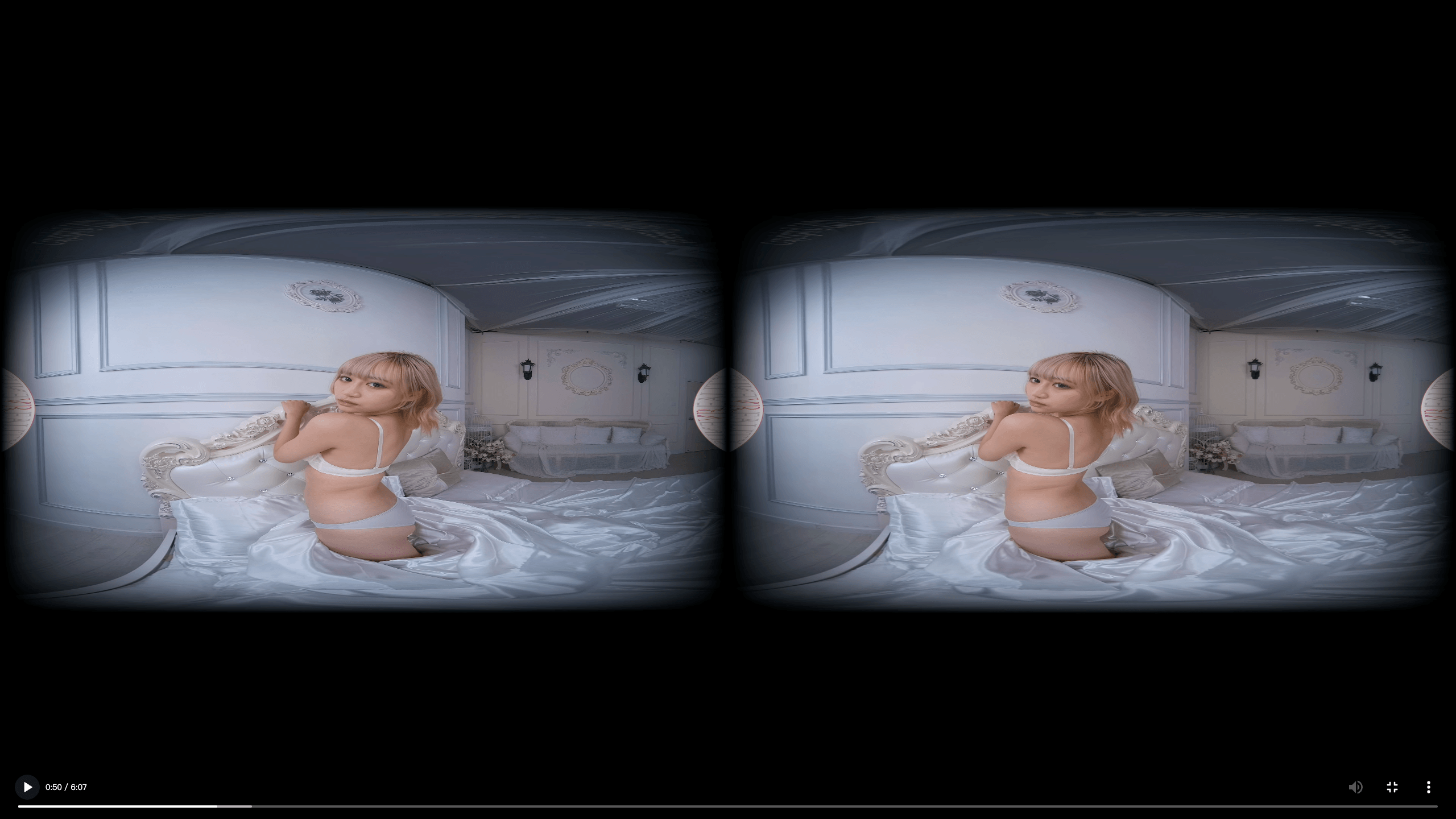
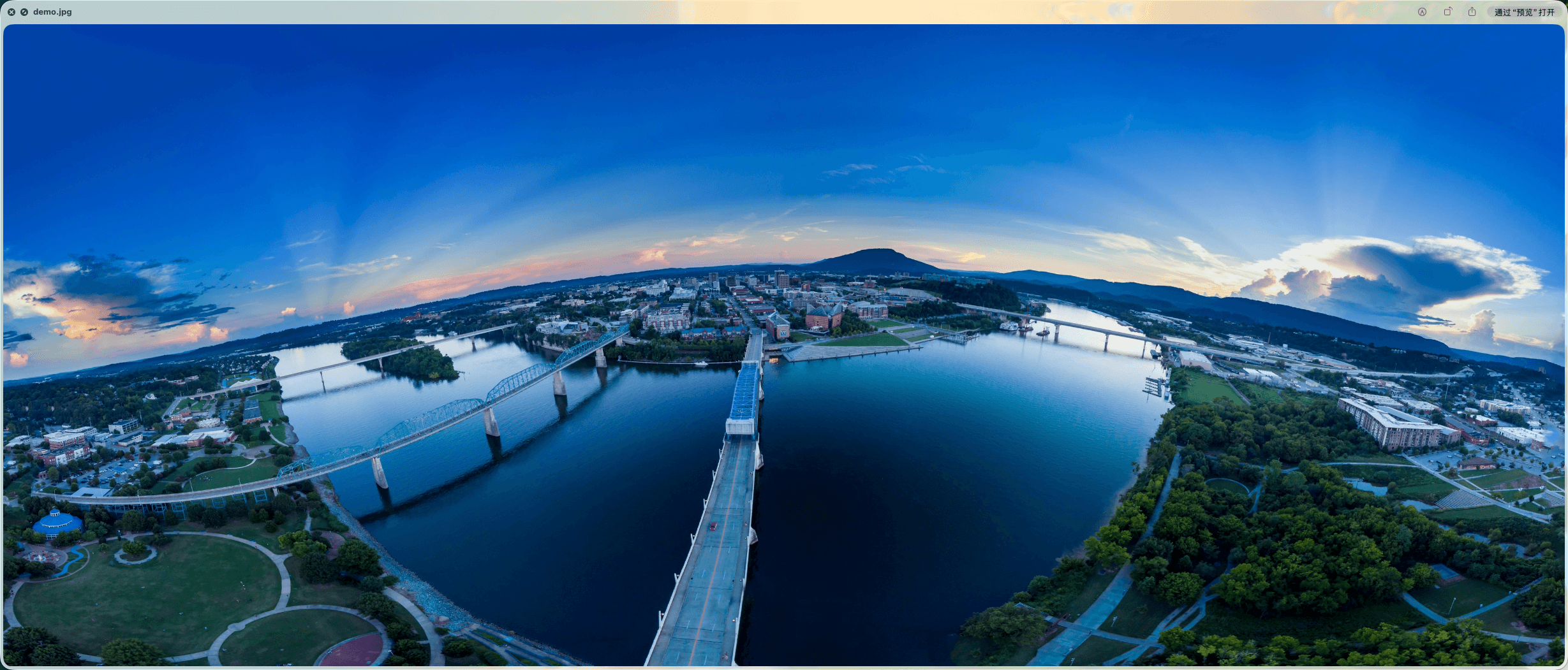
Choose between the Web player and browser extension based on your use case, and enter the same 360° immersive view in the right way.
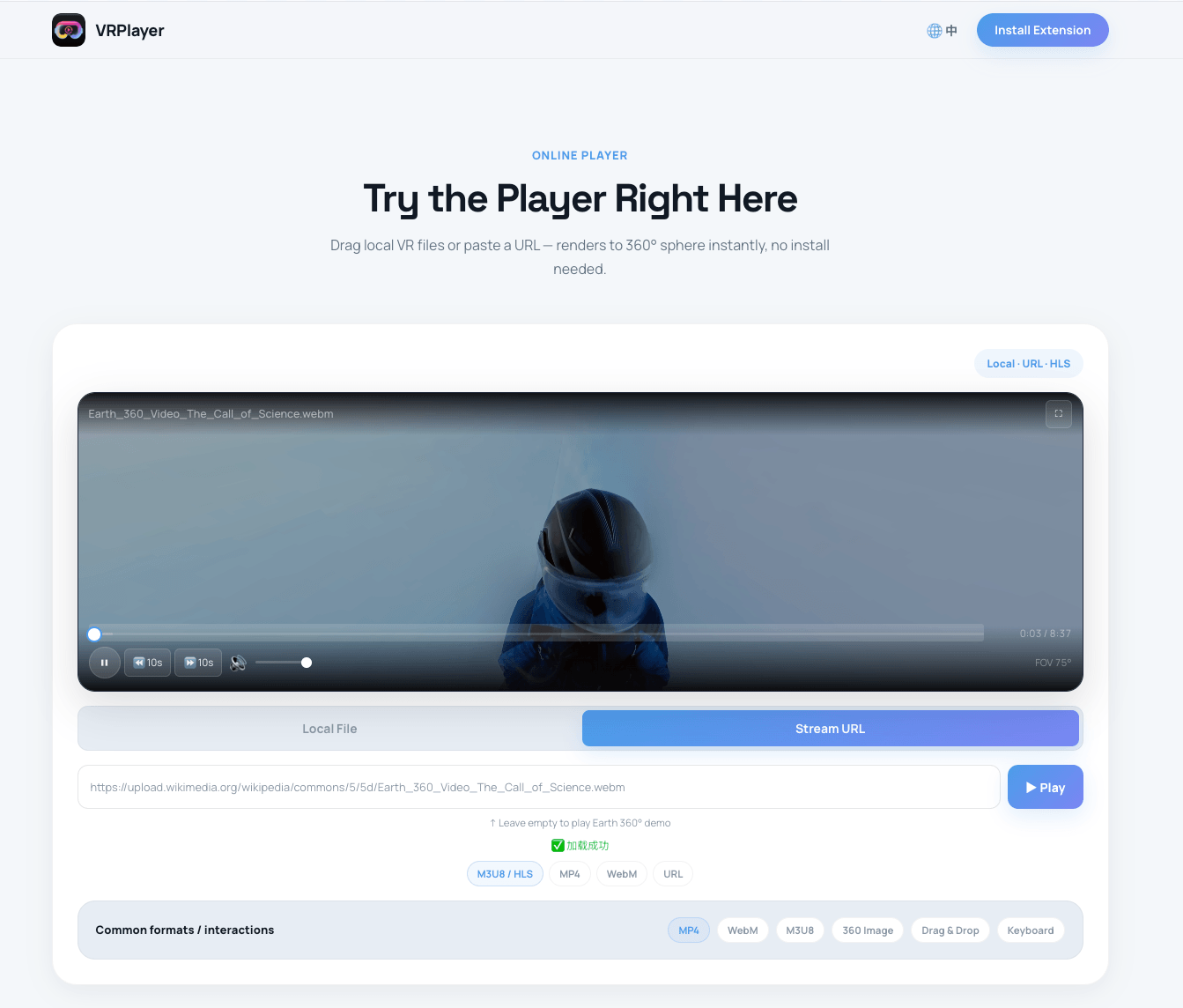
Open browser and go. Supports common formats like MP4, WebM, MKV, M3U8/HLS, JPG, PNG and WebP; play online URLs, drag in local files, and pair with the extension to take over videos playing on webpages directly.
Try Now →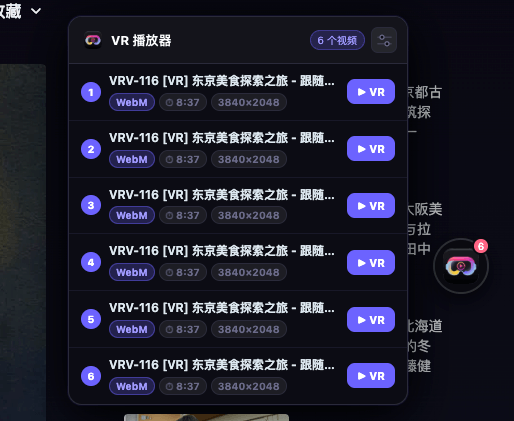
Take over videos already playing on webpages with no download or upload step, and switch them into 360° sphere mode in one click.
Install Free →From VR source conversion to interactive controls, every feature serves one goal: immerse you in a 360° view.
Render common formats like MP4, WebM, MKV, M3U8/HLS, JPG, PNG and WebP onto a 360° sphere for immersive viewing.
Freely look around in the 360° sphere with mouse drag or finger swipe. Intuitive and natural.
The extension auto-detects videos currently playing on webpages and switches them to 360° sphere mode without leaving the page.
Supports MP4, WebM, MKV, M3U8/HLS, JPG, PNG, WebP and other browser-supported video and image files in one player.
Space for play/pause, arrows for seeking, F for fullscreen, M for mute. Fast control without a mouse.
Use the Web player for direct files and URLs, and the browser extension for videos already playing on webpages.